

fashion sophia
6000 Miles Outdoor Digital TV Antenna 35dBi Long Range Signal Amplifier 4K 1080P Free HDTV Channel for ATSC DVB-T DMB-T ISDB-T
6000 Miles Outdoor Digital TV Antenna 35dBi Long Range Signal Amplifier 4K 1080P Free HDTV Channel for ATSC DVB-T DMB-T ISDB-T
Det gick inte att ladda hämtningstillgänglighet
SPECIFICATIONS
Battery Included: No
Choice: yes
High-concerned chemical: None
Specifications:
(1) Global, signal support:
DTMB national standard, ATSC Europe and America,
DVB-T Asia/Europe Africa, DMB-T Korea, ISDB-T Brazil
(2) Gain: 35 DBI
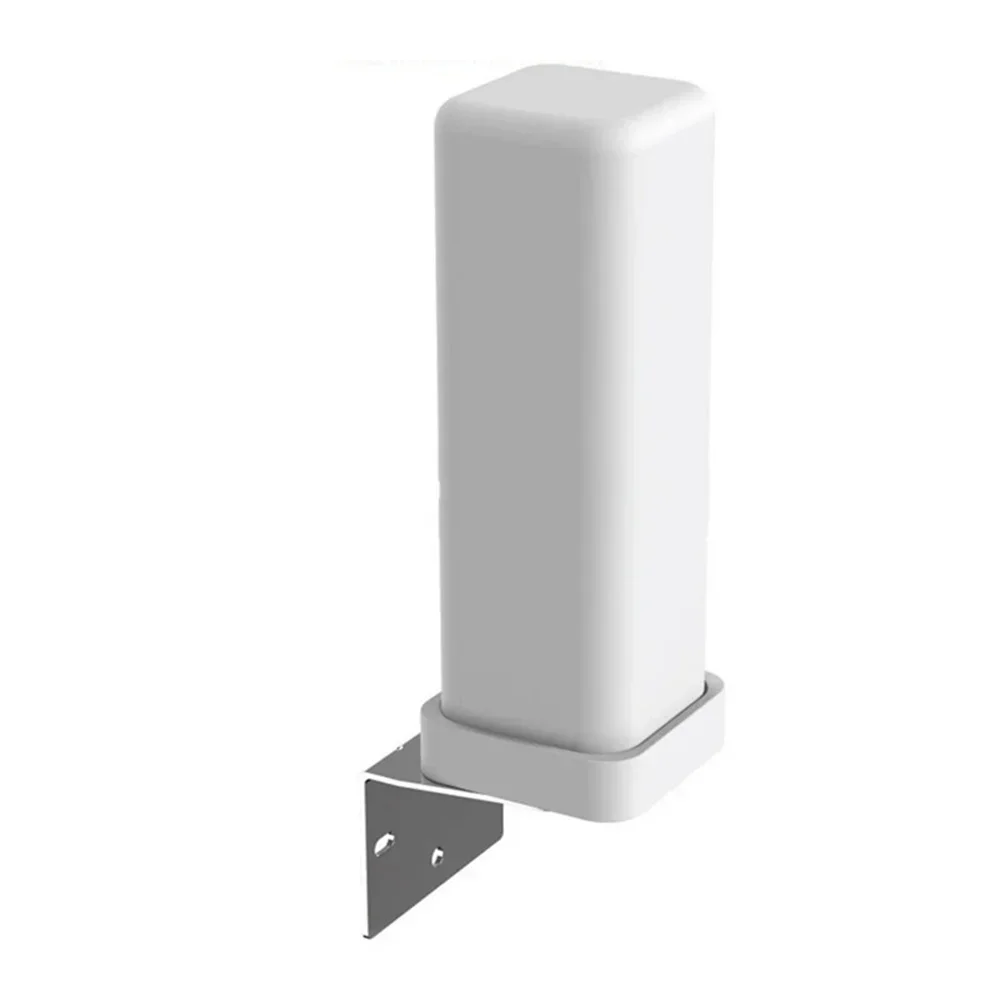
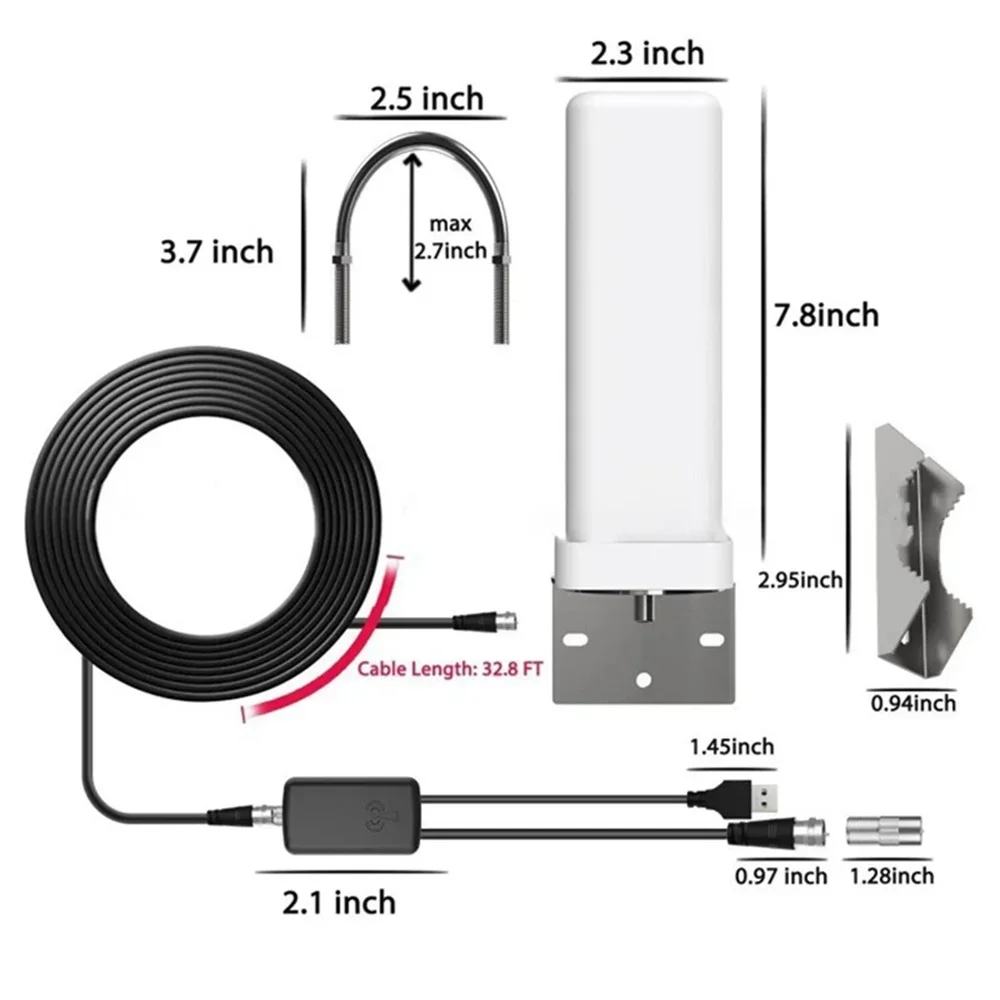
(3) Product size: 250*800*100MM
(4) Operating frequency: 174-240/ 470-862mhz
(5) Supports 1080p high-definition mode
(6) 6000 mile range
(7) Cable length: 5 meters extension cable
(8) Connector type: F male or IEC head
(9) Standing wave ratio: ≤ 1.5, maximum value: 1
(10) Impedance: 75Ω
(11) Can receive all 'free' channels
Package List:
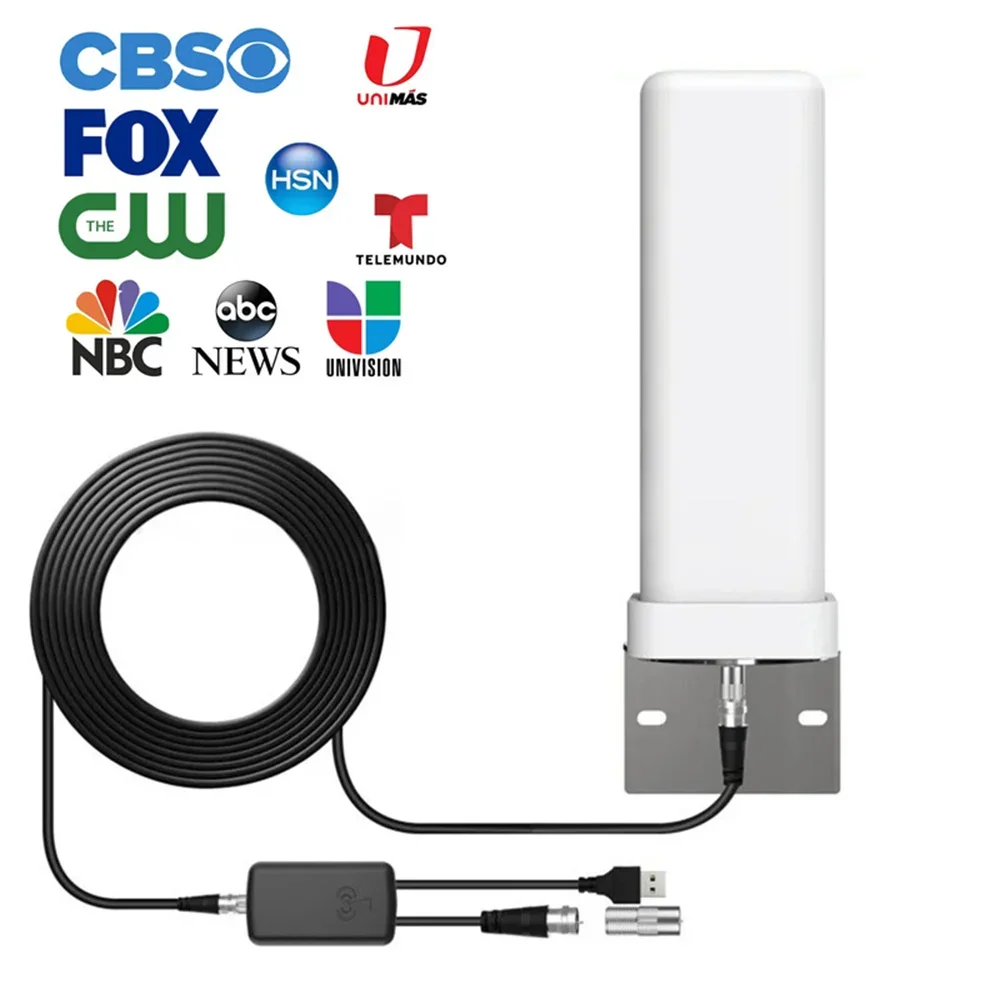
1x antenna
1x universal conversion head
1x amplifier
1x connecting wire
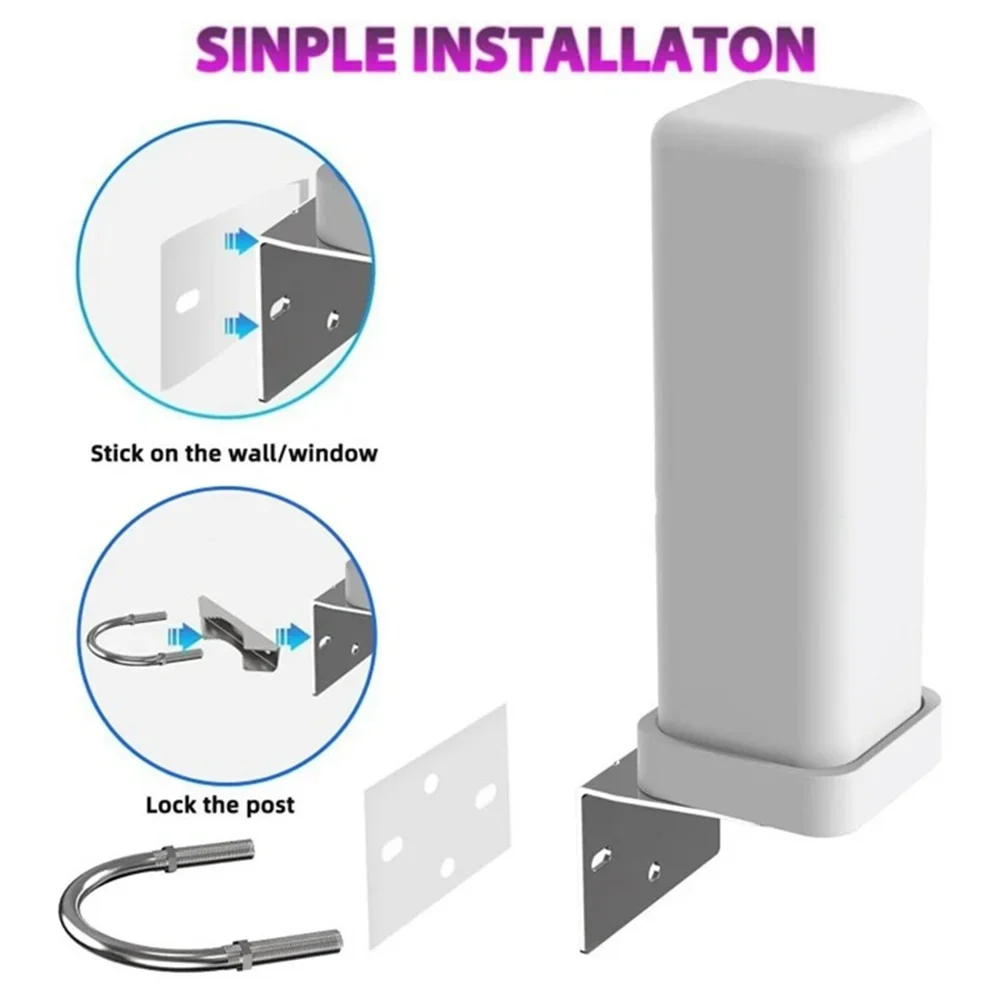
1x fixing screw
How to Use
Step 1: connect the end(f-male) of an attached coaxial cable to the ANT/IN connector on the back of the TV or DVB-T tuner.
Step 2: In the TV’s setup menu, set the tuner mode to “Antenna” or “Air”. for more detailed instructions, please refer to your TV manual.
Step 3: In the Tv’s setup menu, set TV to “scan” for channels. this can sometimes be listed as auto-program, auto-scan, channel search or channel scan. consult the TV manual for detailed instructions.
Step 4: if the reception is sporadic, try moving the antenna to another location and rescanning the TV until the optimal position is found.
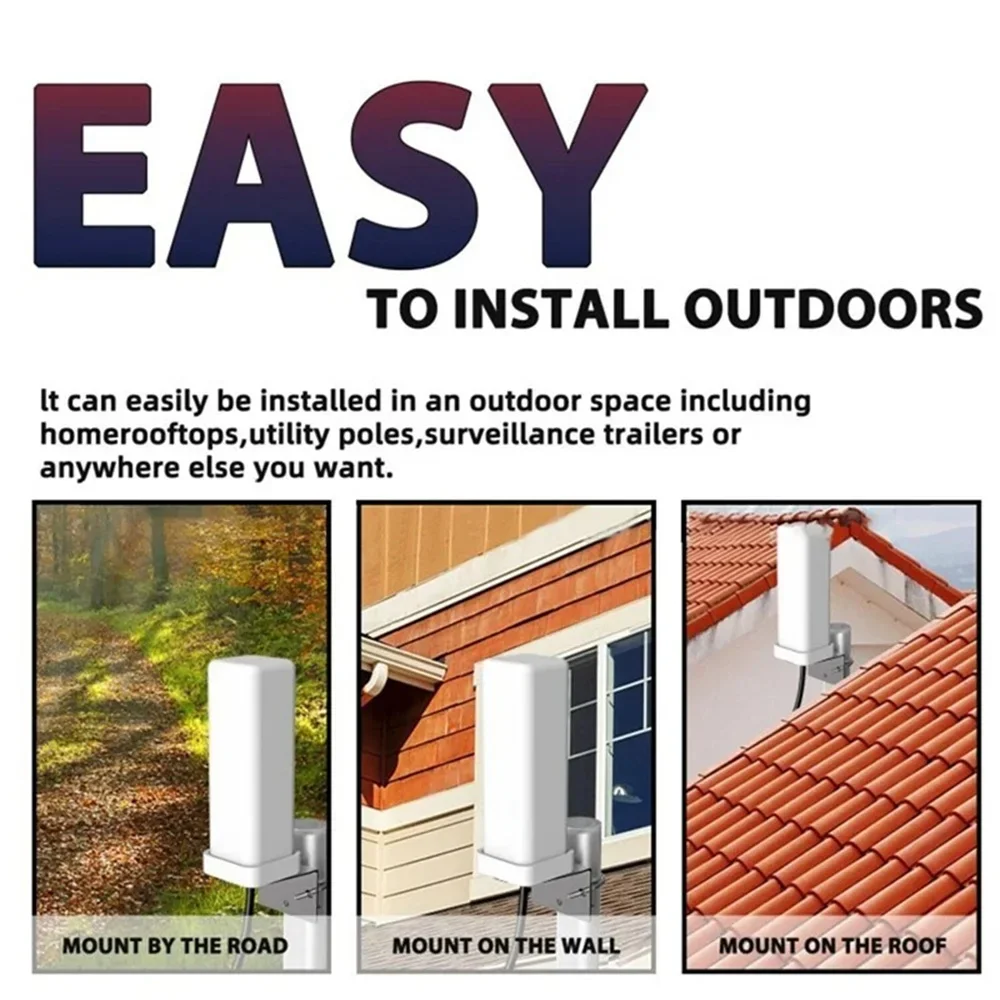
Step 5: fix the antenna at the optimal position you found.
3.If you previously saw a snowy (but watchable) image on an analog TV channel, you may not have a strong enough signal to display this new format. Try repositioning the antenna in a different location, sometimes moving it just a few feet can make a difference.